
Tellus id nisl blandit vitae quam magna nisl aliquet aliquam arcu ultricies commodo felisoler massa ipsum erat non sit amet.
Popular articles
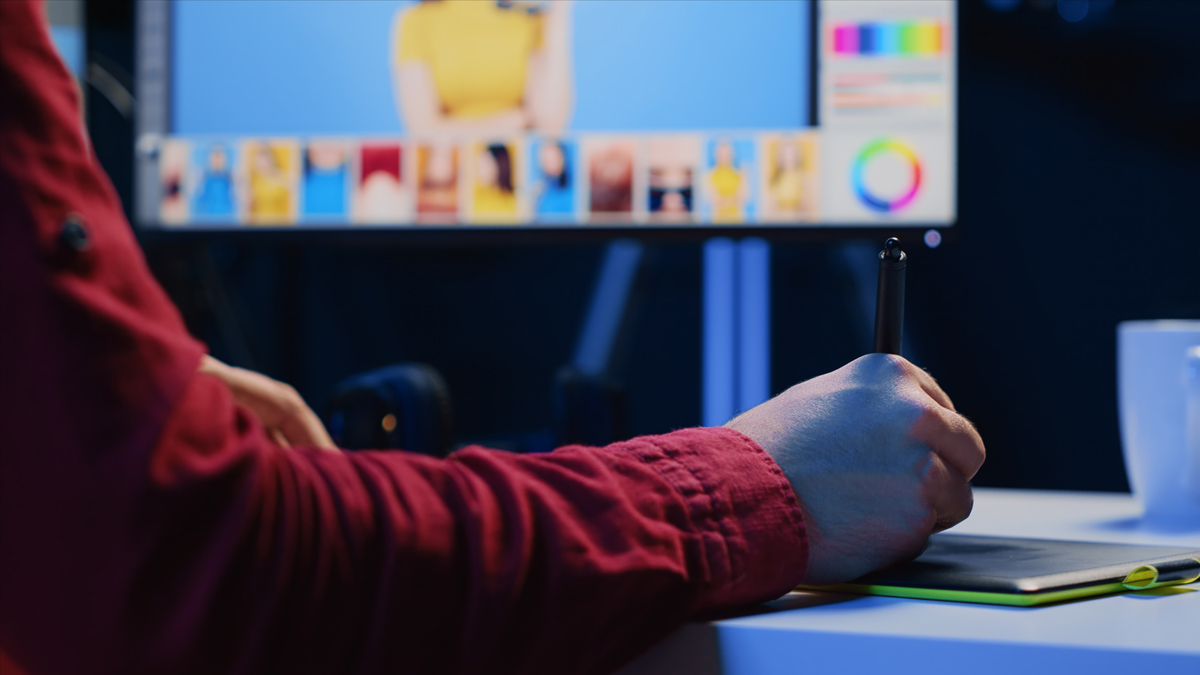
Raster graphics software is essential for artists, photographers, and graphic designers handling pixel-based images. This category of graphic design software is perfect for enhancing photographs, creating illustrations, and crafting social media posts with detailed editing. With its ability to manipulate each pixel, raster graphics are ideal for creating vibrant and intricate images. By using the best graphic design software available today, you can elevate your creative output. Let’s dive into the ultimate raster graphics software list to help you find the right tool for your craft.
Top Raster-Graphics Software to Consider Now
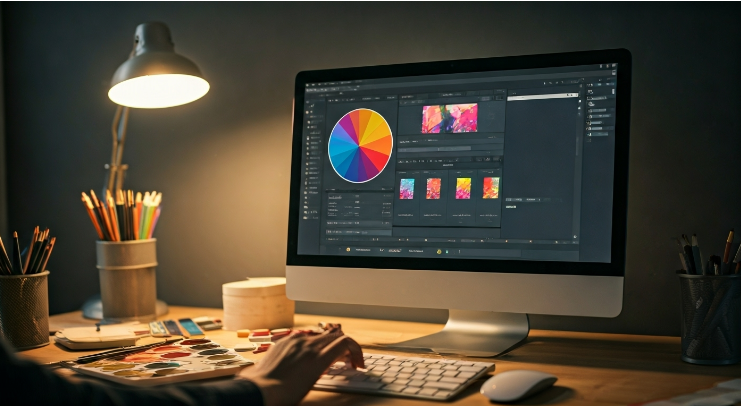
Choosing the perfect raster graphics software can transform your creative workflow. From photo editing to digital painting, each tool offers distinct features tailored to various needs. Whether you’re a hobbyist exploring digital art or a graphic designer crafting promotional materials, options like Adobe Photoshop or Affinity Photo cater to all expertise levels.
This list features some of the best raster graphics software, ranging from premium tools to open-source alternatives. Explore these options to identify which software aligns with your creative ambitions and technical requirements.
1. Adobe Photoshop - The Industry Standard
Adobe Photoshop remains the go-to graphic design tool for professionals worldwide. Known for its unmatched versatility, this software supports tasks from photo editing to digital art creation. With features like advanced retouching tools, layer management, and smart objects, Photoshop empowers designers to produce intricate projects efficiently.
One standout aspect is its adaptability; the software caters to animation, graphic design, and content creation, ensuring it fits diverse workflows. Regular updates enhance functionality, making it a forward-thinking choice for modern creators.
However, the steep learning curve can challenge beginners, and subscription costs may deter some. Yet, for professionals, Photoshop’s comprehensive toolkit provides undeniable value. Whether you’re editing high-resolution photographs or designing for social media, Adobe Photoshop excels as a robust and reliable graphic design software.
2. GIMP - The Open Source Alternative
GIMP, short for GNU Image Manipulation Program, is a highly regarded free version of professional graphic software. Praised as a great alternative for budget-conscious designers, it offers extensive features like image retouching, graphic design tools, and animation capabilities.
As an open-source platform, GIMP allows you to customize its functions, creating a tailored user experience. With its compatibility across various third-party plugins and file formats, it supports many workflows, from hobbyists to advanced users seeking flexibility.
While rich in features, GIMP may pose challenges for beginners without programming knowledge. Despite this, it’s consistently developed by a dedicated community, ensuring updates and bug fixes. If affordability and adaptability matter to you, GIMP is a remarkable choice for creative photo editing and raster graphic projects.
3. Corel Painter - For Digital Painting Enthusiasts
Corel Painter is a premier digital art software designed for those passionate about painting. Featuring over 900 artistic brushes, it lets you recreate traditional painting techniques with unmatched precision. If you’re into digital art, Corel’s tools, like dynamic stylus responsiveness and custom brush options, offer a smooth creative experience.
The platform also includes advanced tools like perspective guides and color harmonies, enabling unique textures and details in digital painting projects. Supporting pressure-sensitive styluses, it further aligns with professional workflows.
Despite its specialised focus, Corel Painter challenges new users due to its pricing and interface complexity. However, for illustrators or graphic designers who embrace digital art, Corel is an excellent investment, providing powerful tools for realistic painting.
4. Krita - Best for Illustrators and Concept Artists
Krita shines as a digital art software catering to illustrators and hobbyists alike. Known for its professional-grade painting tools, it’s ideal for crafting detailed raster graphics, concept art, and frame-by-frame animations.
Equipped with a wealth of customizable brushes and pressure-sensitive inputs, Krita supports creative freedom, whether for casual drawing or high-level illustration projects. As a free, open-source program, it’s approachable yet packed with features for advanced users.
Though celebrated in the illustrations domain, Krita may overwhelm beginners unfamiliar with its vast capabilities. However, its cost-free model and growing tutorial resources make it accessible and appealing. For a well-rounded raster graphics tool dedicated to visual artists, Krita is an exceptional choice.
5. Affinity Photo - A Professional's Choice
Affinity Photo is a photo editor prized for its one-time purchase model, eliminating subscriptions while delivering professional-grade features. Its layer-based editing, live filter previews, and advanced retouching tools bring efficiency and precision to graphic design projects.
This software supports Photoshop plugins, PSD files, and batch processing, making it a great alternative to traditional subscription-based tools. Its clean interface and streamlined options reduce learning curve challenges, appealing to both beginners and seasoned professionals.
However, Affinity Photo supports only iPads for tablet use, and some features might run slower compared to Photoshop. Regardless, it’s outstanding for creating high-quality raster graphics on a budget, making it a competitive choice among graphic design software available today.
Understanding the Essentials of Raster Graphics Software
Choosing the right raster graphics software doesn’t have to be daunting. Understanding its essentials involves evaluating features like editing capabilities, compatibility, and user interface. These programs allow precise manipulation of pixel-based images, making them crucial for photo editing and digital art tasks.
Beyond photo retouching, raster software offers advanced design tools, including brushes, filters, and layer technology. Knowing which software suits your workflow and skill level can help streamline projects. In the next section, explore more about what defines raster software and its key features.
What Defines Raster Graphics Software?
Raster graphics software consists of tools designed to work with bitmap images. These images are pixel-dependent, meaning each tiny square represents a color value. Unlike vector graphics, raster images lose quality upon resizing, but gain detail with complex image manipulation, making them ideal for tasks like photo editing and illustration.
Used for both professional and personal projects, raster software supports features like blending modes, filters, and multi-layered compositions. Digital artists benefit from its flexibility, whether creating original artwork or adjusting photographs pixel by pixel.
For hobbyists and professionals alike, raster graphics software bridges technical capability with creative potential, allowing refined control over image editing. As you explore key features below, identify what makes each program unique.
Key Features to Look for in Raster Graphics Software
When selecting raster graphics software, focus on features that align with your goals. Essential attributes include;
- Advanced editing tools: Look for programs offering retouching, image restoration, and color correction features.
- Layer support: Layers allow non-destructive edits, critical for professional workflows.
- Brush and filter variety: Versatile brushes and filters enhance creativity for digital painting or effects.
- File compatibility: Ensure the software accommodates a wide range of formats for seamless integration.
- Plugin ecosystem: Third-party plugins expand the software’s functionality and capabilities.
Choosing software with these features enhances your ability to deliver polished and impactful raster graphics efficiently.
Conclusion
In conclusion, choosing the right raster-graphics software can significantly enhance your design process and creative outcomes. Each of the options highlighted in this guide offers unique features catering to different needs, whether you are a professional photographer, illustrator, or hobbyist. Understanding the essentials of raster graphics software will help you make informed decisions and elevate your projects. As you explore these options, remember that investing time in mastering the right tools can lead to remarkable results. If you're ready to take your creativity to the next level, get a free trial of one of the software solutions mentioned and see how it can transform your work!
Frequently Asked Questions
What is raster graphics software primarily used for?
Raster graphics software is ideal for photo editing, graphic design, and image manipulation. It works on pixel-based files, making it perfect for detailed adjustments in product photography, digital art, or illustrations. Unlike vector graphics, raster excels in editing complex, gradated images.
Subscribe to unlock premium content
Sed at tellus, pharetra lacus, aenean risus non nisl ultricies commodo diam aliquet arcu enim eu leo porttitor habitasse adipiscing porttitor varius ultricies facilisis viverra lacus neque.
The Rise of AI in Photography: Revolutionizing Creativity One Pixel at a Time
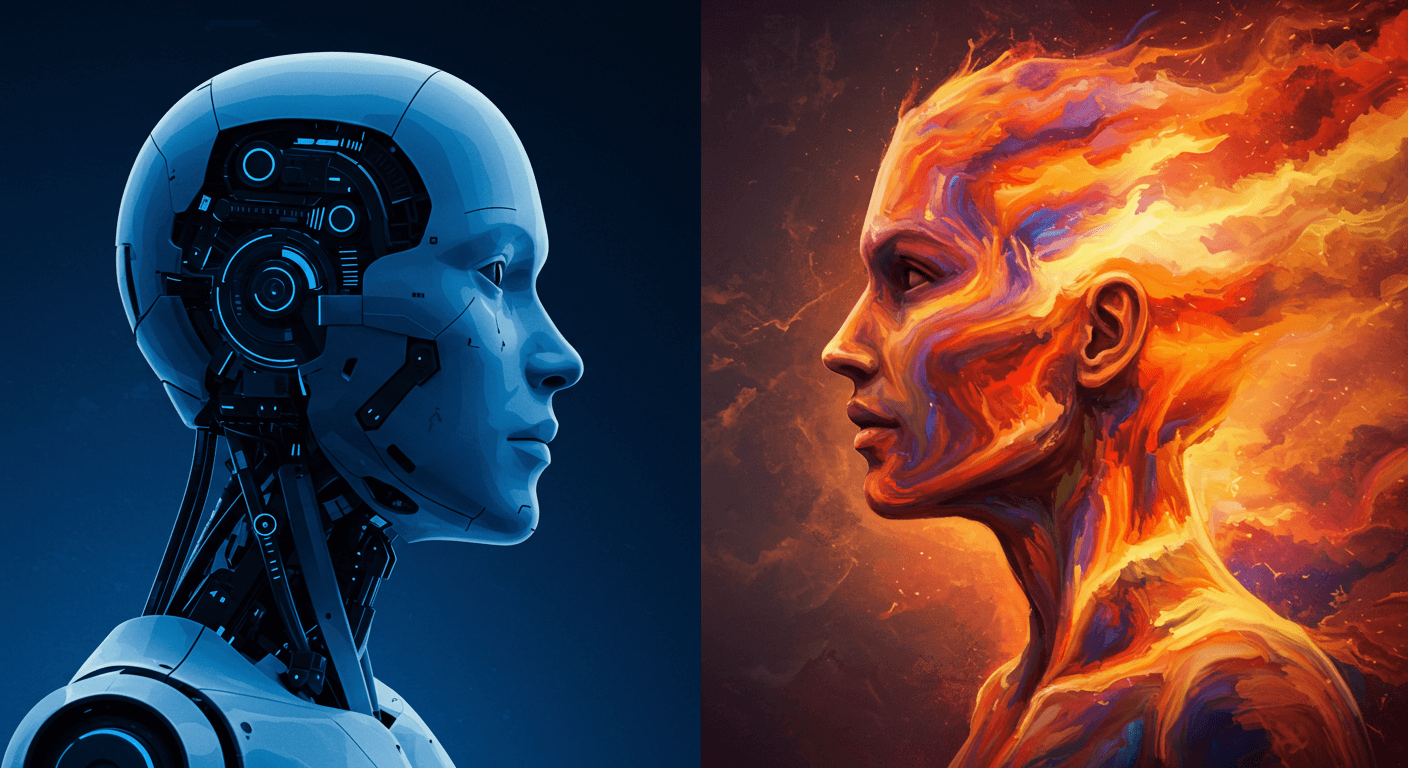
The Rise of AI in Photography: Revolutionizing Creativity One Pixel at a Time
The Rise of AI in Photography: Revolutionizing Creativity One Pixel at a Time